
Version 4
Approved 2026-11-21
Improved Needles. Editable needle color
GAUGE.SE36 Rev Counter with E46 M3 Oil Lamps/ Shift Lights and Analogue Oil Temp Gauge
by Schuetti136 · published 2026-10-23 · version 4
Price
5 points
Sign in to buy this design with points.
64.5 KiB · 5 downloads · How to install
Loading the gauge simulator…
Pick a preset to fill the options, then make it your own. Each thumbnail shows the actual gauge.
A demo of the design's value ranges. Adjusting a value pauses the sweep and pins that value; Play resumes the others.
Try the author's options, then take your setup into the editor. The published pack stays unchanged.
Using the author's settings.
Sign in in a new tab, then return here to open your chosen setup.
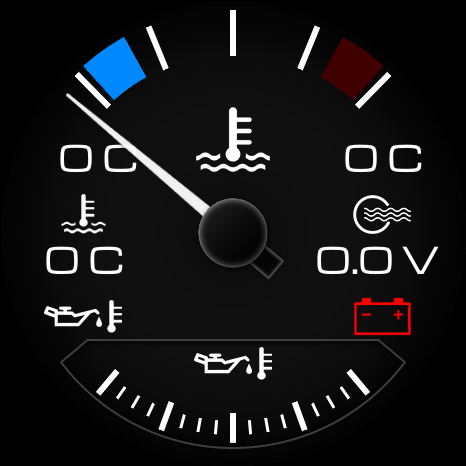
Rev Counter for M50/M52 Cars or others with 6500rpm redline. Oil Lamps start to fade with rising oil temperature and act as a shift light towards 6500rpm. WIP
Sign in to rate this design.
0 reviews
Render check passed. These are author-declared references, not verified vehicle compatibility. Units and data sources depend on your device's bindings; live demo ranges are labeled separately.
Approved 2026-11-21
Improved Needles. Editable needle color
Approved 2026-10-23
No change notes supplied.
Related by independent tags or the same creator.
Download the .ogp, then open your gauge's dashboard. In Gauges, choose Add → Import from file. After import, choose Active on the new gauge.
Follow the installation guide →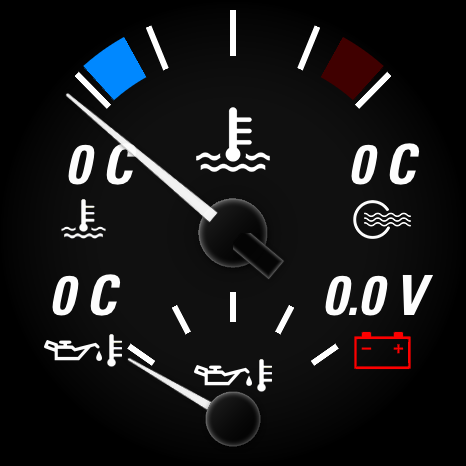
Comments
0 comments
Sign in to comment.
No comments yet.