
Version 1
Approved 2026-09-25
No change notes supplied.
GAUGE.SAero Oil Temp
Publish a designLoading the gauge simulator…
Pick a preset to fill the options, then make it your own. Each thumbnail shows the actual gauge.
A demo of the design's value ranges. Adjusting a value pauses the sweep and pins that value; Play resumes the others.
Try the author's options, then take your setup into the editor. The published pack stays unchanged.
Using the author's settings.
Sign in in a new tab, then return here to open your chosen setup.
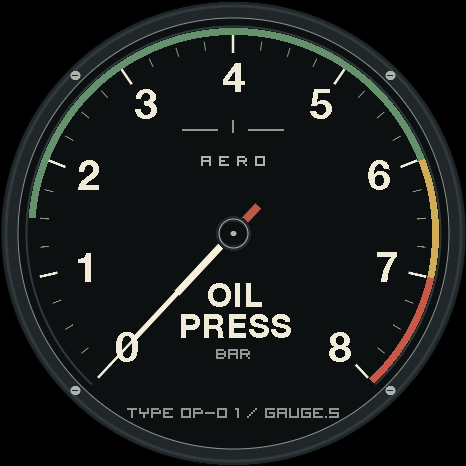
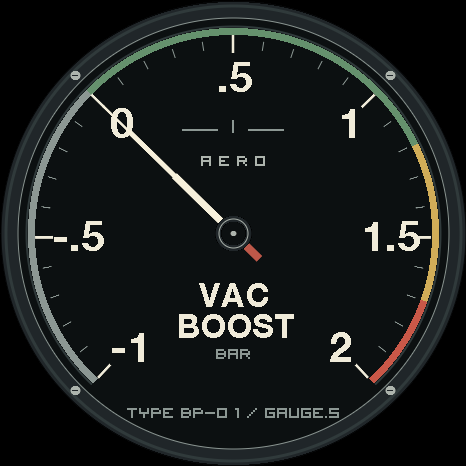
Old-school aircraft-panel styling: a matte black recessed face, cream chapter marks, four slotted bezel fasteners, a long luminous analogue needle with a coloured counterweight, and a metal-look centre hub. A dedicated oil temp instrument with one dashboard-bindable Oil Temp input. Fixed printed scale: 40 to 160 deg c. Green/amber/red reference sectors are configurable with green_from, green_to and red_from. Cockpit, Aged lume and Amber night presets are included. The normal face is needle-only; enable show_readout for a small precise numeric window. Colour sectors are editable visual references for your own setup. Full native-element design for the 466 x 466 Gauge.S V6/V6.1 screen with built-in fonts. Bind the input to the corresponding data source in the dashboard.
Sign in to rate this design.
0 reviews
New takes on this design, with credit to the source. Linked forks stay free.
Be the first to share your own version.
Render check passed. These are author-declared references, not verified vehicle compatibility. Units and data sources depend on your device's bindings; live demo ranges are labeled separately.
Approved 2026-09-25
No change notes supplied.
Related by independent tags or the same creator.
Download the .ogp, then open your gauge's dashboard. In Gauges, choose Add → Import from file. After import, choose Active on the new gauge.
Follow the installation guide →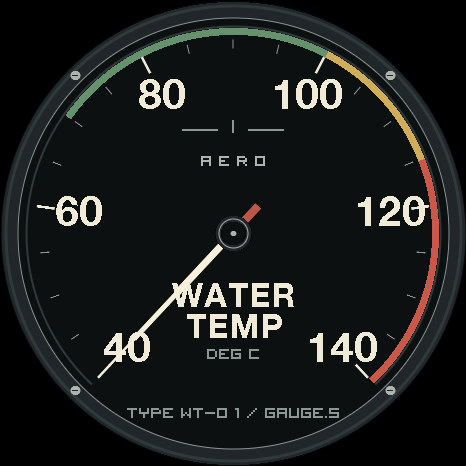
Comments
0 comments
Sign in to comment.
No comments yet.